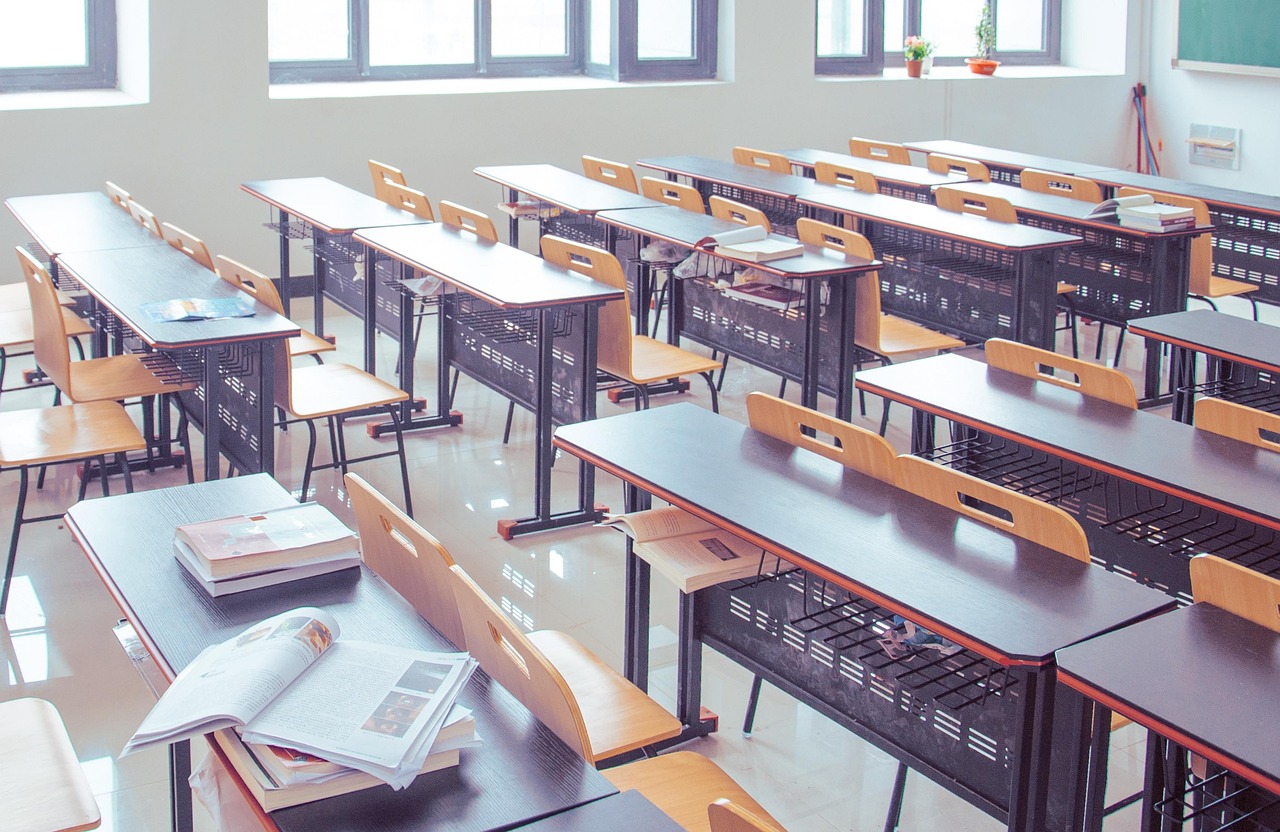
Have you ever had an elementary or middle schooler who couldn’t sit still? Of course you have, that’s basically their job. But what if the restlessness we see as normal exuberance or misbehavior is actually something else? In my classroom, it’s been eye-opening to stop treating fidgeting as a discipline issue and started seeing it as a design problem. I’ve seen how small improvements to the physical experience allow students to be more mentally present.
A recent survey by Logitech and THE Journal found that 91% of educators expect investments in interactive tools to boost student participation and engagement this year. I would say they’re right, but only if those tools are designed for ease of use and physical comfort. In my classroom, and in classrooms across our district, we’re seeing how careful technology hardware choices and ergonomic adjustments can lead to better behavior, deeper focus and stronger learning outcomes.
Here are some of the simple strategies and tools I use to help students stay comfortable, focused and engaged in learning.
Student choice
To begin with, my classroom is built for flexibility and choice. Students can rearrange furniture monthly, choose their seats daily, and move around as needed, standing, kneeling or working on the floor with a clipboard. This trust in their decision-making builds ownership, reduces behavior issues and keeps the flow of learning smooth. A simple brain teaser or reflective question waiting on the smartboard at the start of class helps everyone settle into focus right away.
The Right Tools for the Right Job
- Styluses: My school is 1:1 with Apple iPad devices, which my math students often use to show their work. However, for a lot of them, trying to write equations with their finger is a chore that promotes distraction. It slows them down, and the result is hard to read. That’s why I encourage every student to use a stylus that fits their hand—something built for kids, not adults. According to the survey, 74% of teachers notice how levels of physical comfort while using edtech affects student engagement, and styluses are a great example. It sounds small, but using tools that keep students comfortable when writing makes a big difference in focus.
- Microphones and headsets: Audio is another area that often gets overlooked. According to the survey, 97% of teachers in grades 3-12 stop class at least twice a day to repeat what students didn’t hear. In my classroom, I’ve got surround-sound speakers wired through the ceiling, which means every student can hear clearly whether we’re watching an instructional video or using the IXL app together during a group jam. But not every classroom has that setup, and even when they do, there are times when individual audio is better. That’s where headsets come into play. Recently, while observing a colleague’s class, I saw how headsets improve the learning and teaching experience in oral reading fluency assessments. In the past, those assessments took days, as the teacher had to listen to each student read one-on-one while the rest of the class worked quietly. But when students used a set of Logitech Zone Learn headsets, designed for kids with built-in mics, every student was able to record their reading at the same time. The teacher reviewed the recordings later, which saved hours of class time and gave her more time to actually teach.
- Cameras and smartboards: Visual solutions in my classrooms have varied over time, but the most important feature is always what you’d expect: clear images that can be seen clearly from any seat in the room. Ideally, every row is the front row. Like good audio, that will help teachers avoid disruption during lessons because 77% of educators say using high-quality visual tools reduces the amount of time they spend repeating demonstrations so that all students can see. Beyond that, the visual component has to be easy for me. I want a solution that I can plug in and use right away. If a smartboard or video conferencing system is too complicated to quickly integrate with my other tools, no matter how good its other features are, I’ll wonder if I could have found something better.
Quick recommendations
If you’re seeing restlessness in your classroom, here’s my advice:
- Be flexible with your room setup. Try letting students rearrange the furniture once a month. It builds ownership and keeps things fresh.
- Create structure without rigidity. Use visual cues like a daily agenda or bellringer on the board to provide predictability that helps students settle in quickly.
- Make movement okay. Normalize standing, sitting on the floor, or using alternative seating when needed—as long as it doesn’t disrupt others.
- Use age-appropriate accessories. Tech tools designed for adults won’t always work for students. Look for child-sized headsets, styluses, and mice that support their comfort and success.
We all want our classrooms to be places where students feel safe, supported, and ready to learn. That starts with seeing them as whole people and giving them the tools and environments that help them thrive.
Opinions expressed by SmartBrief contributors are their own.
Subscribe to SmartBrief’s FREE email newsletters to see the latest hot topics on educational leadership in ASCD and ASCDLeaders. They’re among SmartBrief’s more than 200 industry-focused newsletters.